










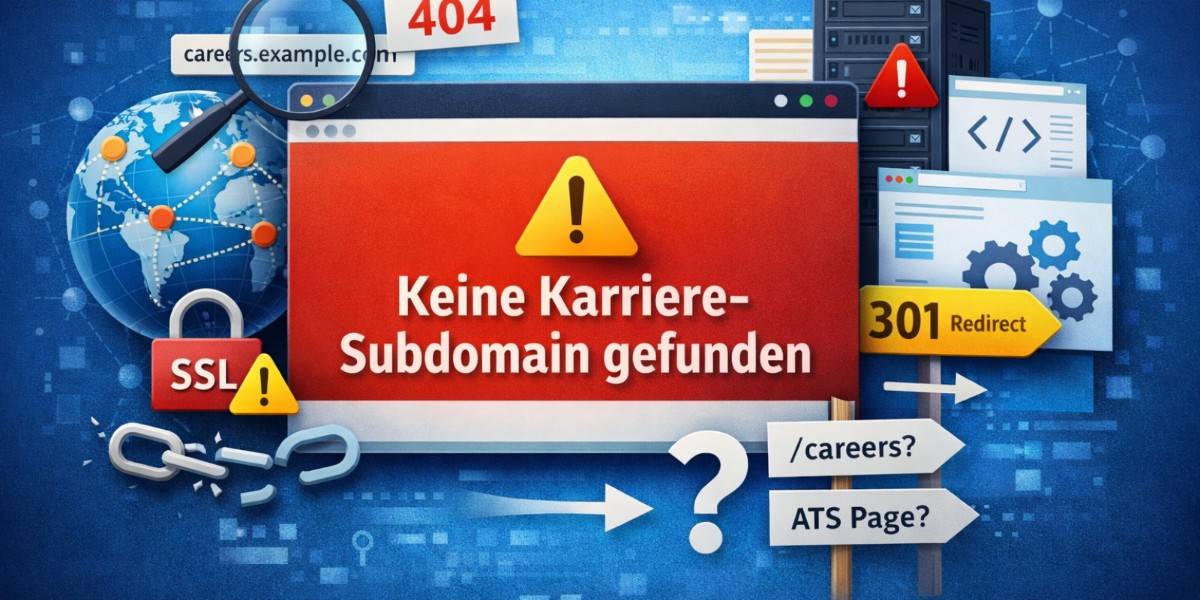
Imagine a top-tier candidate trying to apply for a job at your company, only to hit a frustrating error screen. Instead of seeing your open roles, they stare at a message reading “keine karriere-subdomain gefunden.” This technical glitch halts the application process. It hurts your employer brand and costs you valuable talent.
If you see this error on your career site, you need to act fast. We will explain exactly what this message means and why it appears on your website. You will also learn practical, step-by-step methods to troubleshoot the problem and get your hiring portal back online.
What Does “Keine Karriere-Subdomain Gefunden” Mean?
The phrase “keine karriere-subdomain gefunden” comes from German. Translated into English, it means “no career subdomain found.” A subdomain acts as a distinct section of your main website. Companies often use formats like careers.yourwebsite.com or jobs.yourwebsite.com to host their job boards.
When a user’s browser displays this error, the system cannot locate the web address for your career page. The browser tries to connect to the server where the job portal should live, but the server returns a blank response or a specific error page. The browser cannot find the expected destination.
This issue directly impacts your recruiting efforts. An applicant tracking system (ATS) usually powers these career subdomains. If the subdomain breaks, the connection between your main website and your ATS servers is disrupted. Candidates cannot browse open positions, submit their resumes, or read about your company culture.
Common Causes of This Error
Understanding the root cause of the missing subdomain saves you hours of troubleshooting. Several technical missteps can trigger this problem.
Incorrect DNS Configuration
Domain Name System (DNS) records act as the Internet’s phonebook. They tell web browsers exactly where to find your subdomain. If someone accidentally deletes, alters, or mistypes the DNS records for your career page, the browser loses its map. A missing CNAME record or an incorrect A record will immediately cause the “keine karriere-subdomain gefunden” message to appear.
Missing Subdomain Setup
Sometimes, a web administrator forgets to create the subdomain entirely. This often happens during a website migration or a brand refresh. The marketing team might link a “Join Our Team” button to careers.example.com, but the IT department never actually set up that specific subdomain on the hosting account.
Server Configuration Issues
Even if the DNS records point to the right place, the server itself might not recognize the request. Web servers like Apache or Nginx rely on specific configuration files to route traffic. If the server lacks the correct virtual host block for your career subdomain, it will reject the incoming traffic. The server says it has no idea what to do with the request.
Expired SSL Certificates
Security matters immensely for job portals. Candidates submit sensitive personal data, including addresses and employment histories. If the SSL certificate for your career subdomain expires, modern browsers will block access to the page. While this usually presents as a privacy warning, some custom server setups will redirect the failure to a generic “subdomain not found” error screen.
How to Fix the “Keine Karriere-Subdomain Gefunden” Error
You do not need to panic when this error pops up. You can resolve the issue by following a systematic troubleshooting process. Follow these actionable steps to restore your career page.
Step 1: Verify Your DNS Records
Start your troubleshooting at the DNS level. Log in to your domain registrar or DNS hosting provider. Look for the specific zone editor for your main website.
Search for the record associated with your career subdomain. If your ATS hosts the career page, you typically need a CNAME record pointing to their server. Ensure the record exists and features the exact spelling required. If you recently changed these records, keep in mind that DNS propagation can take up to 48 hours. Give the system time to update across global servers.
Step 2: Check the Hosting Control Panel
If your DNS records look correct, move to your web hosting control panel. Log in to cPanel, Plesk, or your custom hosting dashboard. Navigate to the “Subdomains” section.
Verify that the career subdomain actually exists in the list of active subdomains. If you do not see it, create a new subdomain using the exact name linked on your main website. Point the document root to the correct folder containing your career page files.
Step 3: Review Server Routing Rules
Sometimes, rogue redirect rules block traffic to perfectly valid subdomains. Check your website’s .htaccess file if you use Apache. Look for any rewrite rules that might accidentally catch your career subdomain traffic and send it to a dead end.
If you use a third-party ATS, verify the integration settings inside their platform. Many recruitment software platforms require you to claim your custom domain within their dashboard. If you skip this step, their server will reject the connection, resulting in the “keine karriere-subdomain gefunden” error.
Step 4: Validate SSL and Security Settings
Ensure your security protocols do not block legitimate traffic. Check your SSL certificate status using a free online checking tool. Verify that the certificate covers both your root domain and your subdomains. A wildcard SSL certificate provides the easiest solution, as it automatically secures any subdomain you create.
If you use a Web Application Firewall (WAF) like Cloudflare, check your security rules. Make sure the firewall allows traffic to the career subdomain. Sometimes, strict security settings mistakenly classify applicant traffic as a bot attack.
Why a Working Career Subdomain Matters
Fixing this error quickly does more than repair a broken link. It protects the core of your recruitment strategy.
A functional career page builds trust with applicants. When candidates see a seamless, professional job portal, they view your company as organized and successful. A broken link sends the exact opposite message. It suggests a lack of attention to detail and a frustrating internal culture.
Furthermore, a dedicated career subdomain boosts your search engine optimization (SEO) efforts. Search engines index job postings, enabling candidates to find your roles through organic search results. When your subdomain goes down, search engines encounter a 404 error or a missing page. If the downtime lasts too long, search engines will remove your job postings from their results. You lose valuable free visibility.
Best Practices for Maintaining Your Career Page
Once you fix the “keine karriere-subdomain gefunden” error, you must take steps to prevent it from returning. Proactive maintenance keeps your hiring pipeline flowing smoothly.
Implement Regular Uptime Monitoring
Do not wait for a candidate to complain about a broken link. Use automated uptime monitoring tools to keep an eye on your career subdomain. These tools ping your website every few minutes. If the career page drops offline, the system instantly sends an alert to your IT team. You can fix the issue before most applicants ever notice.
Document Your Technical Infrastructure
Maintain clear documentation regarding your website structure. Create a central document that lists all active subdomains, their corresponding DNS records, and the platforms hosting them. When your team knows exactly how the career page connects to the main website, they avoid making accidental changes that break the system.
Coordinate Team Communication
Website migrations and brand updates require clear communication between departments. Ensure your marketing, HR, and IT teams communicate before launching new campaigns. If HR decides to switch to a new applicant tracking system, IT needs adequate time to update the DNS records and configure the new subdomain securely.
Conclusion
The “keine karriere-subdomain gefunden” error creates a massive roadblock for your recruitment process. Understanding that this message indicates a missing or misconfigured career subdomain removes the mystery from the problem.
Check your DNS records, verify your hosting configuration, and ensure your SSL certificates remain valid. By following these clear troubleshooting steps, you will restore access to your job postings. Keep an eye on your website’s health, and you will ensure that top candidates can always connect with your open opportunities.